Pro Tips
Compare nonprofit call center software for fundraising, helplines, support, and outreach. See 5 options, pricing, pros, cons, and an AI alternative.

Jesse Wisnewski
CEO & Founder
Published
Read Time
15 min read

A nonprofit can buy excellent call center software and still fail to solve the real problem.
That is because the software usually assumes you already have people available to make or answer the calls.
Sometimes you do.
You may operate a crisis hotline. You may have a supporter-care team. You may employ student callers or volunteers. In those situations, better routing, dialing, reporting, and agent tools can make a real difference.
But sometimes the problem is simpler:
Your team has more people to engage than people available to do the engaging.
A faster dialer does not solve that.
That is why I think the search for nonprofit call center software should start with the job you are trying to accomplish, not the feature list.
Who needs to be reached? Is the conversation inbound or outbound? Does it require human judgment? What needs to happen afterward? And do you actually need a call center, or do you need more engagement capacity?
In this post, I’m going to cover:
Five nonprofit call center software options worth comparing
How I evaluated each platform
Pros, cons, pricing, and best-fit use cases
The three different problems hiding behind “call center software”
A real example of the traditional call-center model changing
Where AI engagement fits
What should stay human
Compliance and donor-trust considerations
Let’s dig in.
Quick Comparison: 5 Nonprofit Call Center Software Options
Platform | Best for | Core model | Channels | Current starting price | G2 |
|---|---|---|---|---|---|
CallHub | Outbound nonprofit campaigns | Campaign calling and messaging | Voice, SMS, P2P, email | $0.045/dial pay as you go | 4.8/5, 35 reviews |
Helpline Software | Crisis lines and on-call nonprofits | Schedule-based inbound routing | Voice, SMS, webchat | Custom nonprofit pricing | 5.0/5, 8 reviews |
Aircall | Lean teams needing a cloud phone system | Cloud phone + call center | Voice, SMS | $30/license/month annually | 4.4/5, 1,669 reviews |
Dialpad Support | AI-assisted support teams | Omnichannel contact center | Voice + digital | $80/user/month annually | 4.4/5, 708 reviews |
Talkdesk | Larger contact-center operations | Enterprise contact center | Voice, email, chat, SMS, social | $105/user/month for Voice Essentials | 4.4/5, 2,599 reviews |
Pricing and review counts above are current as of October 2026 and should be reconfirmed before purchase.
A Note About the Ratings and Pricing
I did not create an EverRaise score for these products.
I also do not think it would be useful to pretend that a crisis-line platform and an enterprise customer-service system can be reduced to one universal rating.
For a consistent public signal, I used current G2 ratings where available.
Keep the review counts in context. A 5.0 from eight reviews does not carry the same weight as a 4.4 from more than 2,000.
The ratings are also not nonprofit-only.
They tell you something about the broader product experience. They do not tell you whether the platform fits your development office, hotline, advancement team, or supporter-care operation.
Pricing works the same way. Seat licenses, call usage, SMS, telephone numbers, integrations, AI features, telecom costs, and implementation fees can all change the real cost.
Use the table to create a shortlist, not a final purchasing decision.
How I Compared the Platforms
I reviewed every platform using the same questions:
What job is this product primarily designed to do?
Is it built around inbound calls, outbound outreach, or both?
How naturally does it fit nonprofit work?
Does it connect calls with other channels and follow-up?
Does it assume you already have human agents available?
How transparent is the pricing?
What does the same independent review source show?
But one question matters more than all seven:
What bottleneck are you actually paying the software to remove?
Keep that question in mind as you compare.
1. CallHub: Best for Outbound Nonprofit Campaigns
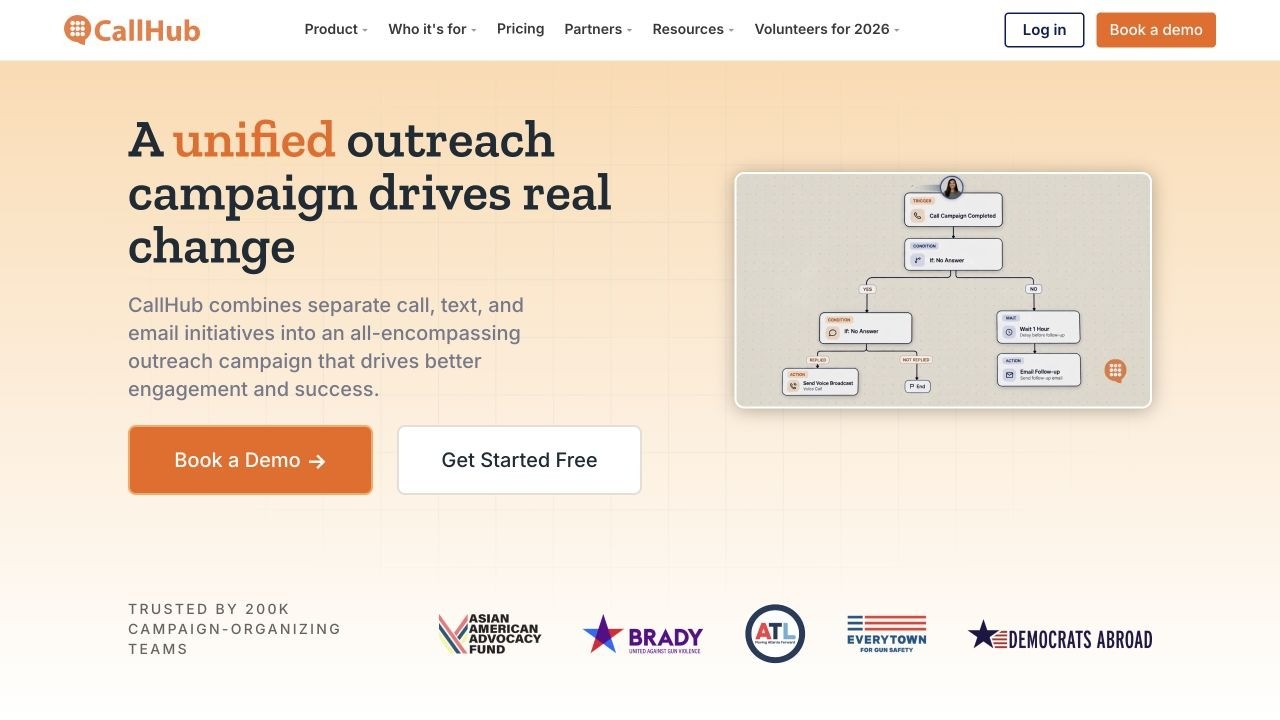
CallHub is the clearest fit in this group for nonprofits that already have staff or volunteers available and need better tools for outbound campaigns.
Its current Essential plan includes calling, texting, voice messaging, peer-to-peer messaging, email, live call monitoring, and mobile access. U.S. pay-as-you-go pricing currently starts at $0.045 per dial and $0.019 per SMS segment. Larger-scale plans use volume commitments and custom pricing. CallHub
G2 currently rates CallHub 4.8/5 from 35 reviews. The review mix includes nonprofit, civic, political, healthcare, and other organizations. G2
Pros
Strong fit for outbound campaigns
Multiple calling and messaging channels
Pay-as-you-go entry point
Supports distributed callers and volunteers
Live call monitoring
Nonprofit and advocacy experience
Strong public review rating
Cons
You still need people to make most live calls
Usage-based pricing requires budgeting as volume increases
It is a campaign communications platform, not a donor CRM
Its nonprofit use case is broader than fundraising alone
Who Should Choose CallHub?
Best for: Nonprofits with staff or volunteers who need to work outbound lists more efficiently.
Not ideal for: Teams whose central problem is that they do not have enough people to make all the calls.
Pricing: Calling currently begins at $0.045 per dial on the Essential tier; Scale uses volume-based pricing. CallHub
Bottom line: CallHub gives callers better tools. That is valuable when caller capacity already exists.
2. Helpline Software: Best for Crisis Lines and On-Call Nonprofits

Helpline Software solves a very different problem.
Its product is built around nonprofit hotlines, crisis programs, after-hours support teams, and other organizations where an inbound call needs to reach the correct person based on the current schedule.
The software can route calls through scheduled responders and backups, create callback requests, support SMS and webchat, and maintain logs and reporting. G2 categorizes it as human-services software and currently shows a 5.0/5 rating from eight reviews. G2
Pros
Specifically built around nonprofit and human-service use cases
Schedule-based call routing
Backup escalation
Voice, SMS, and webchat
Call logs and reporting
Strong fit for on-call teams
Cons
Not primarily a fundraising platform
Not designed around large outbound donor campaigns
Small independent review base
Public pricing is not listed
Who Should Choose Helpline Software?
Best for: Crisis lines, victim-service organizations, peer-support programs, hotlines, and other nonprofits where reaching the right person quickly is the job.
Not ideal for: Development departments primarily trying to run donor stewardship or reactivation campaigns.
Pricing: Helpline Software offers custom nonprofit pricing. HelplineSoftware.com
Bottom line: This is a good example of why “nonprofit call center” is not one category. If the conversation is urgent and inbound, routing may matter far more than dialing volume.
3. Aircall: Best for Lean Teams That Need a Modern Phone System
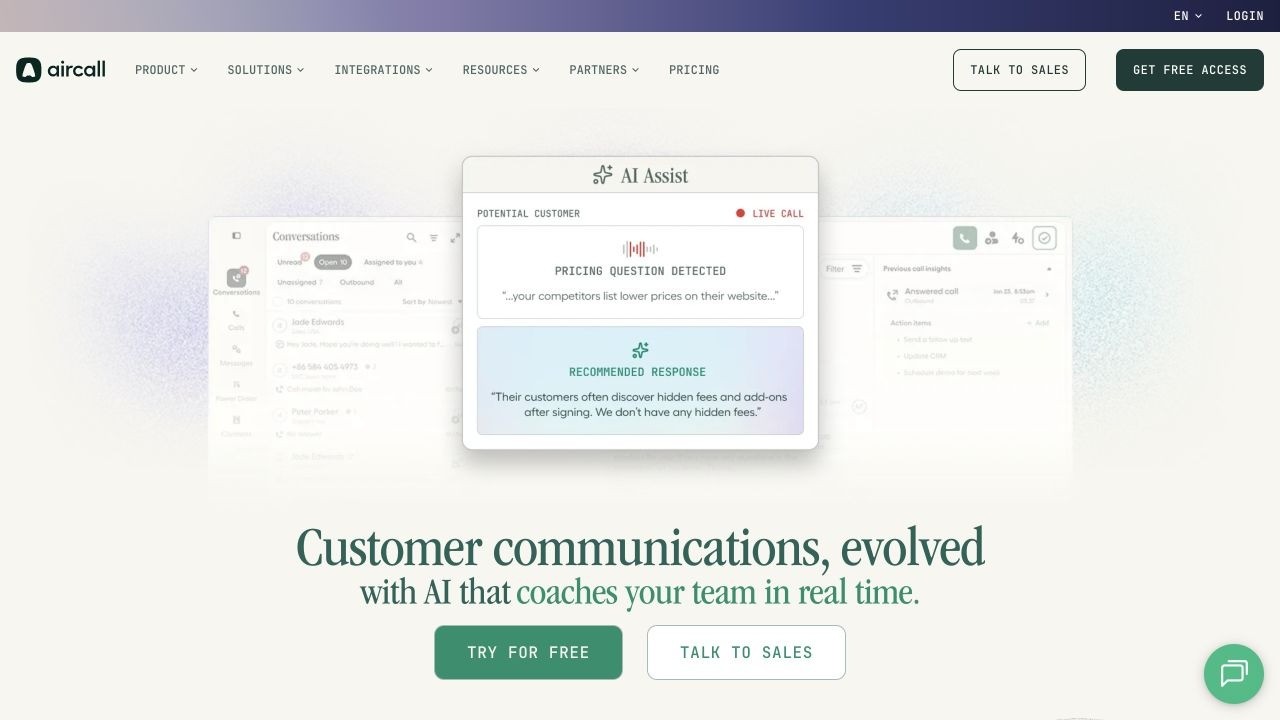
Aircall is closer to what many organizations picture when they hear cloud call-center software.
Its Essentials plan includes business calling, SMS/MMS, IVR, call recording, analytics, integrations, and AI voice-agent minutes. Professional adds Power Dialer, outbound campaigns, smart routing, advanced analytics, live monitoring, and additional AI features.
Current annual pricing begins at $30 per license per month for Essentials and $50 for Professional, with a three-license minimum. Aircall
Aircall currently carries a 4.4/5 G2 rating from more than 1,600 reviews. G2
Pros
Easy cloud-based calling model
Voice and SMS
IVR and recordings
Large integration ecosystem
Power Dialer on Professional
Outbound campaign support
Large public review footprint
Cons
Built broadly for businesses rather than nonprofit fundraising
Three-license minimum
Advanced outbound functionality requires a higher plan
Your organization still needs people to work the calls
Donor segmentation and stewardship logic generally live elsewhere
Who Should Choose Aircall?
Best for: Small and midsize nonprofits that mainly need a modern organizational phone system with call-center capabilities.
Not ideal for: A fundraising team looking specifically to solve a lack of donor-outreach capacity.
Pricing: Essentials starts at $30/license/month annually; Professional starts at $50. Aircall
Bottom line: Aircall makes sense when the problem is your phone infrastructure and agent workflow.
4. Dialpad Support: Best for AI-Assisted Human Teams
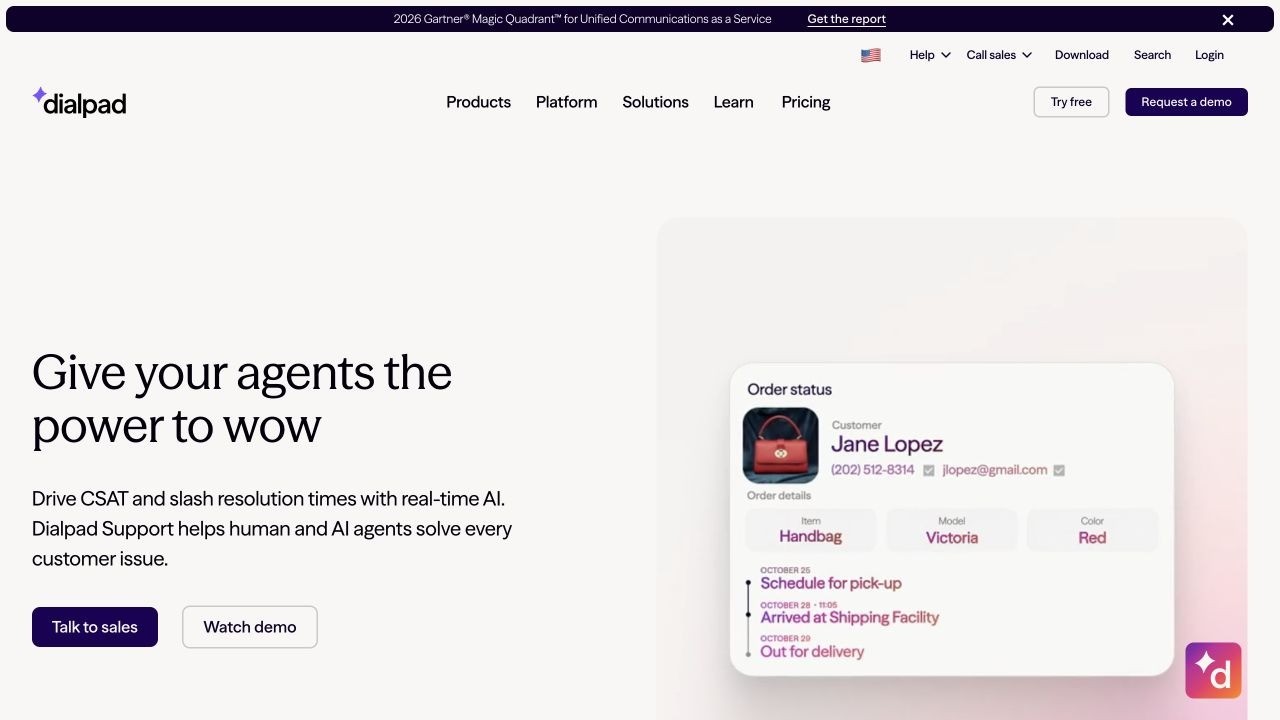
Dialpad Support combines traditional contact-center functions with AI assistance for human agents.
It supports inbound and outbound calls, digital channels, routing, transcription, dashboards, coaching, integrations, and real-time AI suggestions. Dialpad describes the product as connecting agents with customer information, internal knowledge, scripted responses, and automations while they work. Dialpad
Current annual pricing starts at $80 per user per month for Support Essentials, $115 for Advanced, and $150 for Premium. Dialpad
Its current G2 rating is 4.4/5 from 708 reviews. G2 AI
Pros
Strong AI assistance for human agents
Inbound and outbound calling
Digital channels
Transcription and coaching
Advanced routing
Real-time dashboards
Substantial review history
Cons
Higher per-user cost than simpler phone systems
Built primarily for service teams rather than fundraising
Still organized around staffed contact centers
May be more platform than a small development team needs
Who Should Choose Dialpad Support?
Best for: Nonprofits with established supporter-care, intake, admissions, service, or contact-center teams that want to make their human agents more effective.
Not ideal for: A lean fundraising shop whose bottleneck is simply the number of repeatable conversations it can complete.
Pricing: Support Essentials currently starts at $80/user/month annually. Dialpad
Bottom line: Dialpad is strongest when humans remain at the center of the contact-center operation and AI supports them.
5. Talkdesk: Best for Larger Contact-Center Operations

Talkdesk is the most enterprise-oriented option here.
Its current platform spans voice, email, chat, SMS, social messaging, routing, dashboards, reporting, APIs, AI, quality management, and workforce-management tools.
Voice Essentials currently starts at $105 per user per month. Elite begins at $165. Talkdesk separately notes that usage charges can apply to calling, phone numbers, messages, transcription, and other services. Talkdesk
G2 currently lists Talkdesk at 4.4/5 from 2,599 reviews. G2
Pros
Broad contact-center functionality
Voice and digital channels
Advanced routing and reporting
AI and automation capabilities
APIs and integrations
Workforce and quality-management options
Large public review footprint
Cons
Higher price point
Built for mature contact-center operations
More infrastructure than many development teams need
Nonprofit fundraising is not the product’s primary use case
Who Should Choose Talkdesk?
Best for: Large nonprofits with substantial supporter-care, intake, service, admissions, or centralized contact-center operations.
Not ideal for: A development team trying to solve one narrow donor-outreach problem.
Pricing: Voice Essentials currently starts at $105/user/month. Talkdesk
Bottom line: Talkdesk becomes more compelling when your nonprofit truly operates a contact center rather than simply needing to make more donor calls.
The More Important Question: Which Problem Are You Solving?
The products above are different because nonprofits searching for “call center software” are often trying to solve three different problems.
Problem 1: Someone is calling you
This is the hotline, intake, service, and supporter-care model.
The important questions are:
Can the caller reach the right person?
How long do they wait?
What happens if nobody answers?
Can you route based on schedule, need, or language?
Does staff have the right context?
Here, routing and human availability are central.
Problem 2: You have callers who need better tools
This is the staffed fundraising, volunteer, student-caller, or outbound service model.
You already have the people.
You need to help them work more efficiently through:
Lists
Scripts
Dialing
Call outcomes
Monitoring
Reporting
Follow-up
Here, call center software can be exactly the right purchase.
Problem 3: You have the outreach, but not enough people to do it
This is where the category starts changing.
Your team may want to:
Thank first-time donors
Reconnect lapsed donors
Remind people about events
Conduct short surveys
Follow up on pledges
Reach alumni or members
Share campaign information
Identify people who want staff follow-up
The problem is not that your three development officers need a better dialer.
The problem is that three people cannot manually complete 3,000 conversations.
That is a capacity problem.
And it calls for a different operating model.
The Call Is Not the Workflow
This is the most important idea I would keep in mind when evaluating nonprofit call center software.
A call happens.
Then what?
Someone says:
“Text me the link.”
“Can somebody call me next week?”
“I moved.”
“I don’t want texts anymore.”
“I’d like to learn about the event.”
“I want to talk about a larger gift.”
If all of those outcomes end up in notes that somebody has to sort through later, the software made the calling faster but left the relationship work manual.
A fast dialer attached to a slow workflow is still a slow system.
That is why I would evaluate three layers:
The conversation
Did you reach the right person and have the intended interaction?
The next step
Did the outcome automatically create the appropriate follow-up, data update, or handoff?
The relationship
Did your team learn something that changes how this person should be engaged next?
The call matters.
What the call makes possible matters more.
A Different Model: EverRaise
EverRaise is built around that second question.
It is not designed to give a room full of agents a faster dialer.
EverRaise is an AI engagement assistant for relationship-driven organizations.
It helps lean teams execute structured outreach through AI voice, SMS, email, surveys, campaign workflows, contact validation, and follow-up.
That distinction matters.
Traditional call center software generally works like this:
Software + human agent → conversation
For appropriate structured outreach, EverRaise can support a different model:
Approved campaign → AI engagement → response → next step → human handoff when needed
We have seen the capacity difference firsthand.
In one university campaign, EverRaise reached 868 people in less than five hours. The campaign generated 163 live answers, 116 link clicks, and saved more than 20 hours of estimated staff time.
Those results come from one campaign and shouldn’t be treated as a guaranteed benchmark.
But the most interesting number to me is not 868.
It is the 20-plus hours.
Those are hours the team did not have to spend dialing, recording outcomes, and manually sending predictable follow-up.
They could spend that time on the people who answered, responded, expressed interest, or actually needed a human conversation.
The efficiency is not the relationship. The efficiency creates room for the relationship.
That is the model EverRaise is designed to support.
Which Conversations Should Stay Human?
I use four questions to think about this.
1. Is the purpose narrow?
An event reminder is narrow.
A conversation about a planned gift is not.
2. Is the conversation reasonably predictable?
A short survey usually has a known set of paths.
A frustrated donor may take the conversation anywhere.
3. Are the stakes appropriate?
A stewardship touch and a crisis call should not be treated the same way.
4. Is there a clear human handoff?
Technology should know where its job ends.
If someone needs a person, the system should make that next step obvious.
An event reminder may pass all four tests.
Major-gift cultivation probably does not.
A simple lapsed-donor reactivation conversation may pass.
A donor complaint probably does not.
Your people are not the inefficiency in the system. They are the point.
Use technology where structured automation creates capacity.
Use people where people create value.
That is also the principle behind our approach to AI voice agents for nonprofit organizations.
What Should Nonprofit Call Center Software Actually Help You Do?
No matter which platform you choose, look beyond dialing.
A useful system should help you answer questions such as:
Audience: Can we reach the right people instead of working through a large list?
Data: Can we validate contacts before staff waste time on bad records?
Context: Does the caller or system know why this person is being contacted?
Outcome: Can we distinguish an answer, wrong number, pledge, request, opt-out, registration, or handoff?
Follow-up: Can the appropriate next step happen without creating another manual project?
Handoff: Can warm, complex, or sensitive responses reach the right staff member?
Integration: Do campaign outcomes get back into our CRM or system of record?
Reporting: Can we measure useful outcomes rather than calls per hour alone?
That is why nonprofit data hygiene matters before the campaign and donor engagement matters after it.
A phone number is not merely something to dial.
It is one piece of a relationship record.
Compliance and Donor Trust
Call center technology can support compliance.
It cannot make the compliance decisions for you.
The FTC’s Telemarketing Sales Rule generally does not cover a tax-exempt nonprofit conducting its own telemarketing. Still, many provisions do apply when a for-profit telemarketer solicits charitable contributions on behalf of a nonprofit. Among other requirements, professional telefunders may face disclosure, recordkeeping, entity-specific do-not-call, calling-hour, and prerecorded-message obligations. Federal Trade Commission
AI voice adds another layer.
The FCC has confirmed that AI-generated human voices fall within the TCPA’s rules governing artificial or prerecorded voices. Whether a particular campaign may lawfully proceed depends on consent, exemptions, the type of call, the recipient, and other facts. FCC Docs
So do not accept:
“Our software handles compliance.”
as the end of the conversation.
Ask:
What consent records can the system preserve?
How are opt-outs handled?
How are suppression lists applied?
What disclosures can be included?
What calling schedules can be controlled?
What records are retained?
How are SMS preferences coordinated?
What happens when someone requests a person?
Then have qualified counsel help your organization determine which rules apply to the specific campaign.
Frequently Asked Questions About Nonprofit Call Center Software
What is nonprofit call center software?
Nonprofit call center software is technology that helps organizations manage phone-based interactions with donors, supporters, volunteers, members, clients, alumni, or community members. Depending on the platform, it may support inbound routing, outbound campaigns, SMS, digital channels, agent management, reporting, integrations, or automated engagement.
The right software depends on whether you run a hotline, manage human callers, or need to scale structured outreach.
What is the best nonprofit call center software?
There is no single best platform for every nonprofit.
CallHub is well suited to outbound campaigns with human callers. Helpline Software is designed around crisis lines and on-call teams. Aircall is a strong general cloud-phone option. Dialpad Support fits AI-assisted service teams. Talkdesk is better suited to larger contact-center operations.
If the problem isn’t agent productivity but a shortage of staff capacity for repeatable outreach, an AI engagement platform such as EverRaise offers a different model.
What is the difference between a nonprofit phone system and call center software?
A nonprofit phone system primarily helps staff make, receive, and route everyday calls.
Call center software usually adds capabilities such as queues, dialing campaigns, agent monitoring, scripts, call outcomes, analytics, routing rules, and higher-volume workflows.
The categories increasingly overlap as cloud-phone providers add contact-center and AI features.
Does a nonprofit need call center software for fundraising?
Not necessarily.
If you already have staff, volunteers, or students making calls, call center software may help them work more effectively.
If your problem is that your fundraising team does not have enough people to complete thousands of repeatable calls and follow-ups, you may need a different model that combines structured automation with human handoffs.
Can nonprofits use AI voice for donor outreach?
AI voice can support selected nonprofit outreach when the purpose is structured, the conversation is reasonably predictable, the stakes are appropriate, and there is a clear path to human follow-up.
Organizations should also put appropriate consent, disclosures, opt-outs, suppression practices, campaign review, and legal guidance in place for the specific outreach. FCC Docs
The Bottom Line
Do not begin your nonprofit call center software search with:
Which platform makes the most calls?
Start with:
What work are we trying to make possible?
If you operate a hotline, optimize for reliability and human routing.
If you already employ callers, optimize for agent productivity.
If you operate a large supporter-care center, optimize for contact-center management.
But if your fundraising team has more structured outreach to complete than people available to do it, don’t assume the answer is a bigger call center.
You may need a better engagement model.
Because the goal is not more calls.
It is more meaningful next steps.
More supporters who receive the follow-up they should have received.
More staff time reserved for conversations that actually require a person.
And more opportunities to turn engagement into retention.
Continue Reading
You might also like
View all posts

Pro Tips
Learn donor communication best practices for new, active, and lapsing donors, plus a practical system for consistent follow-up and stronger relationships.

Pro Tips
Compare five donor engagement software platforms for nonprofits, including pricing, strengths, limitations, and how to choose the right solution.
